AnimaFX
Drop a photo. Move a few sliders. Get pixel art.
AnimaFX runs right here on this page. No account, no install, and your images never leave your device.
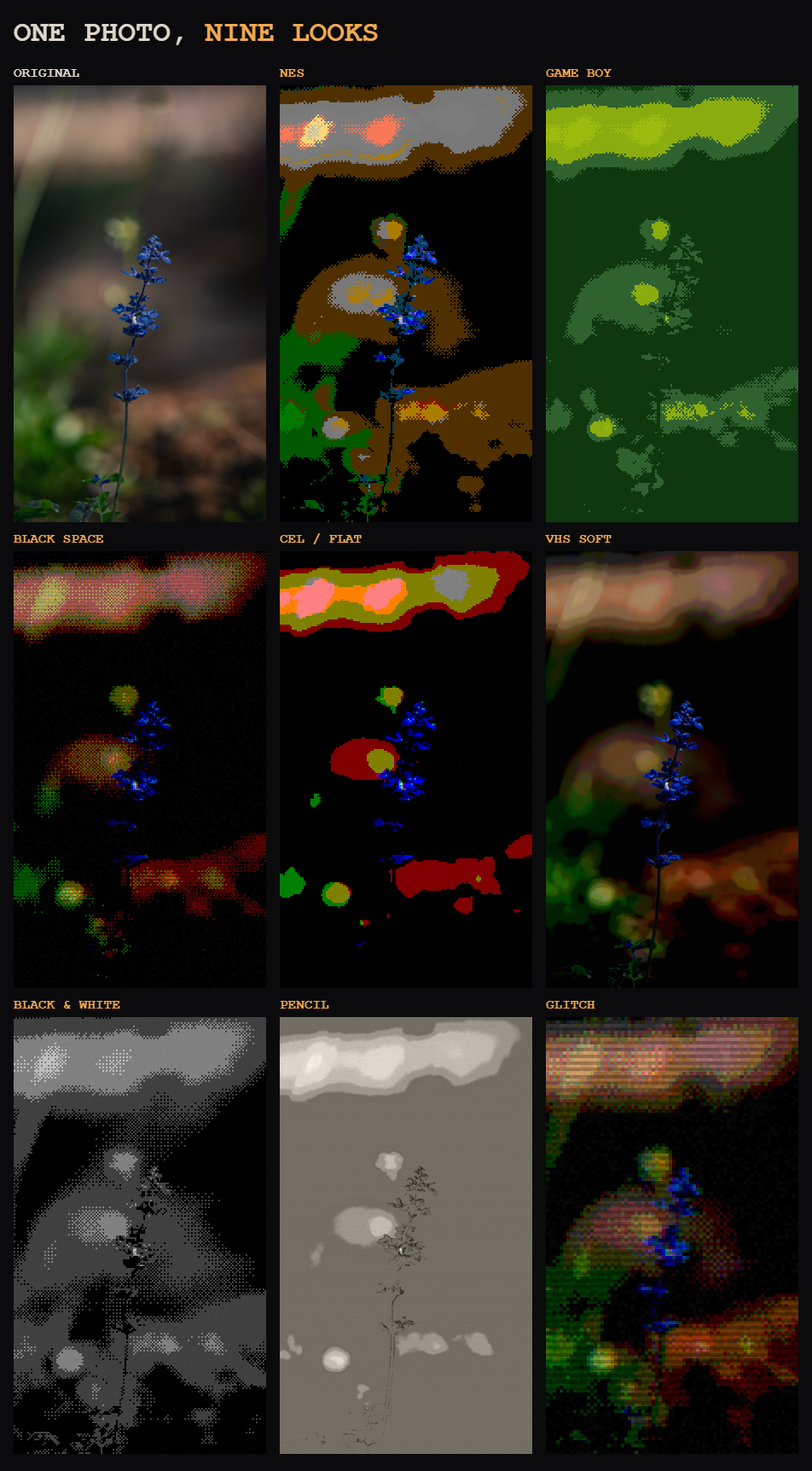
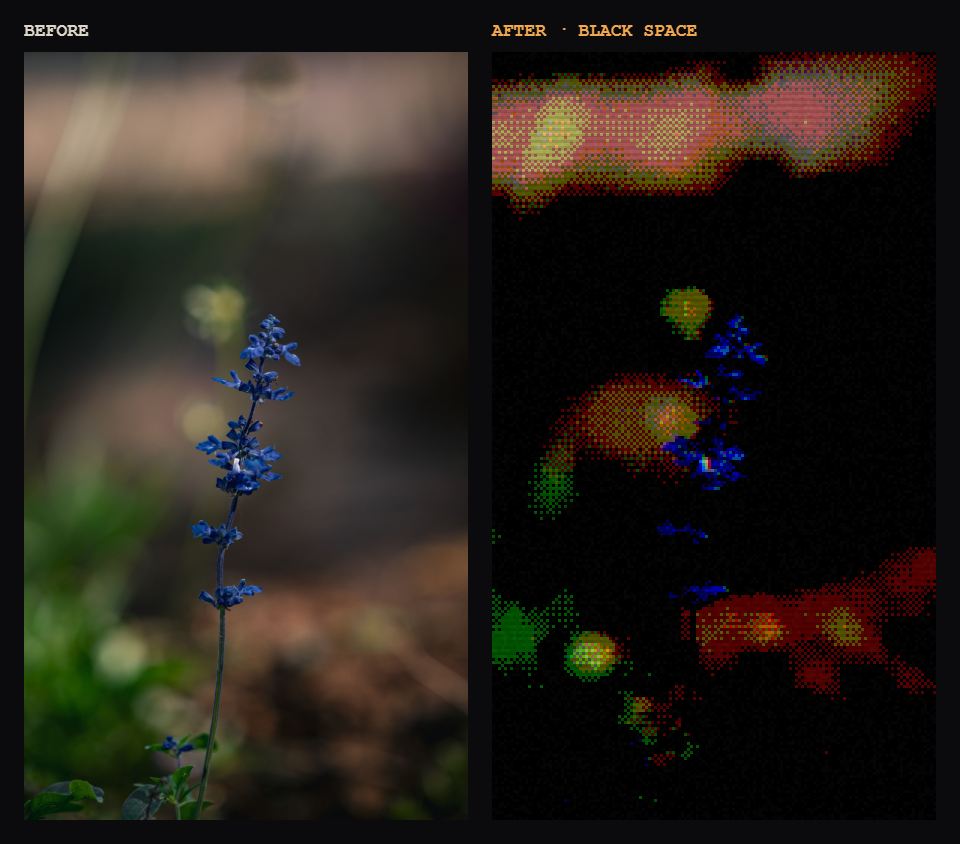
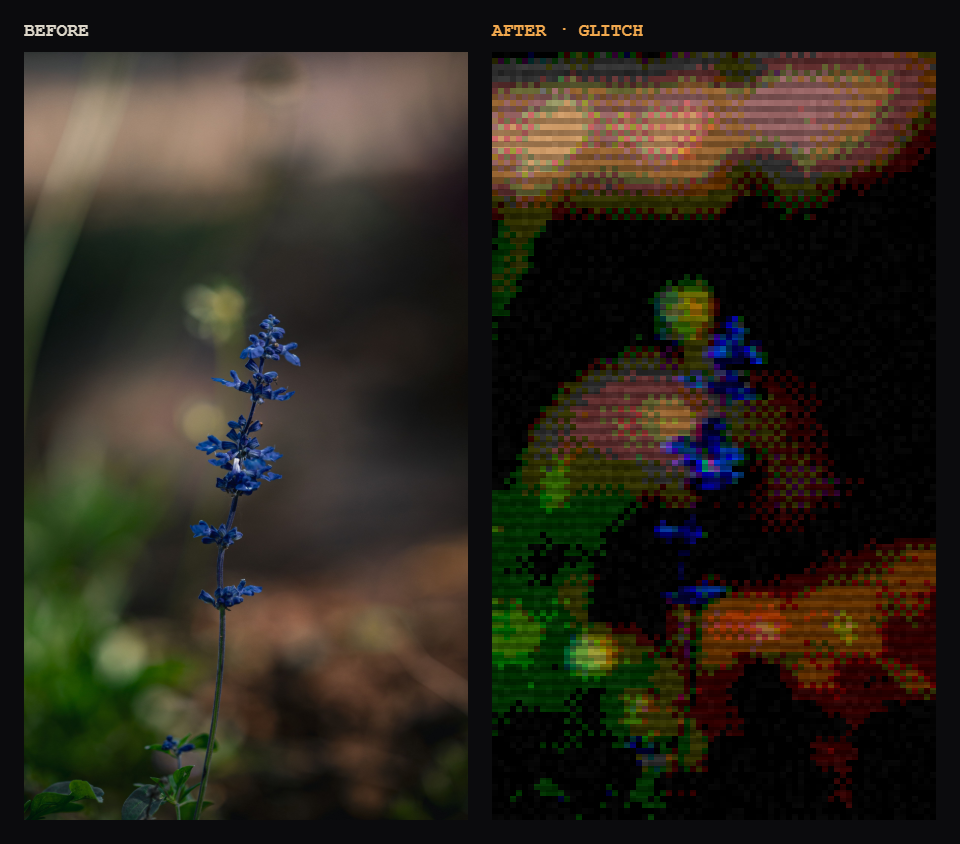
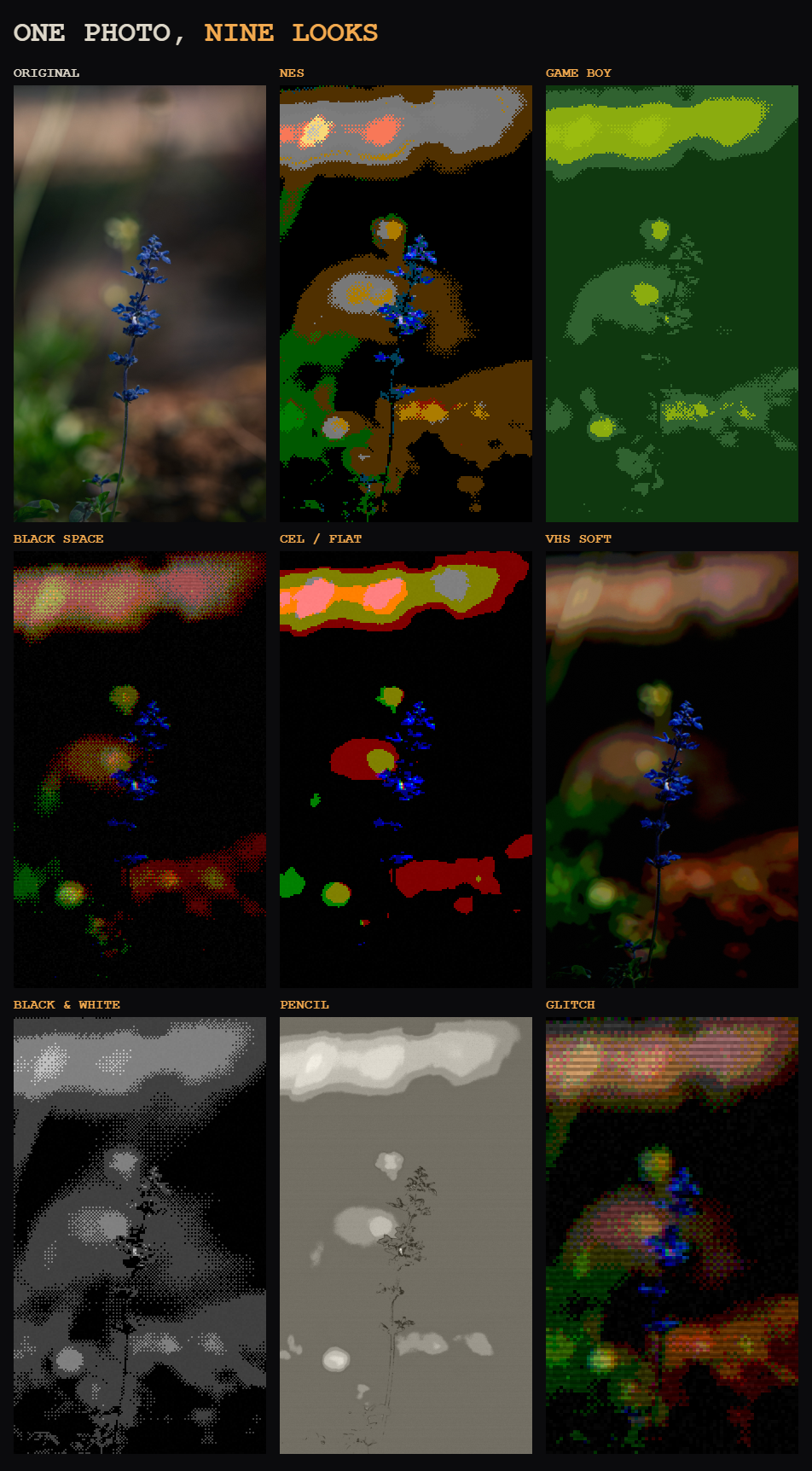
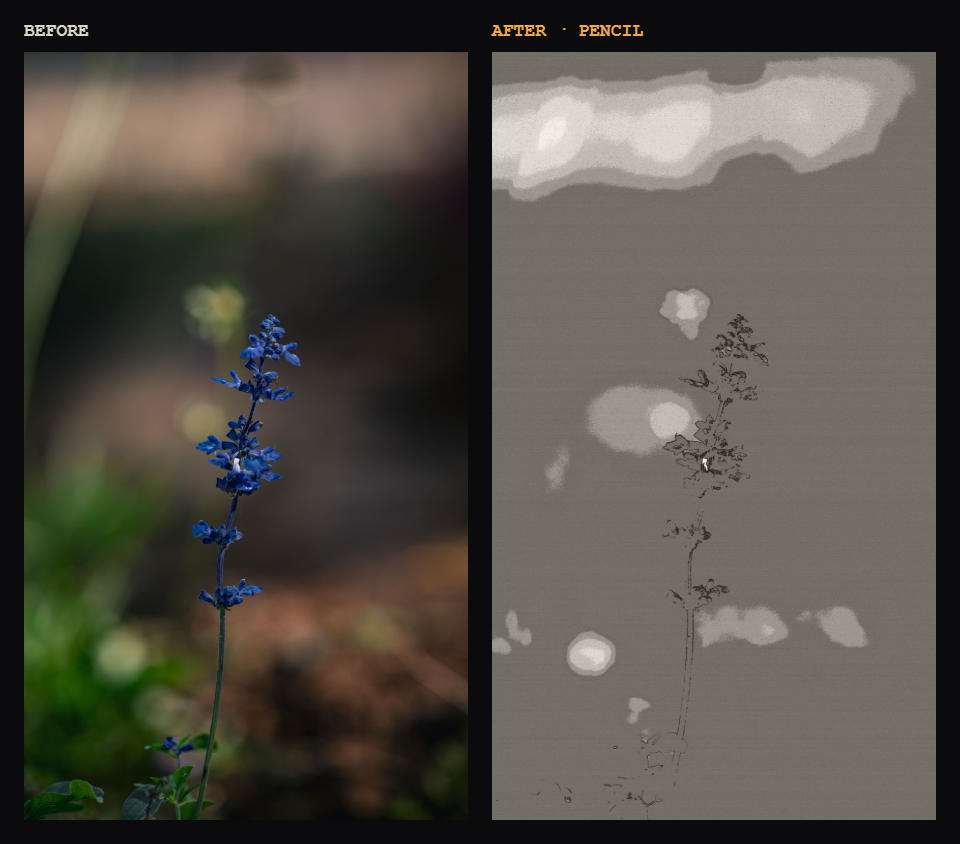
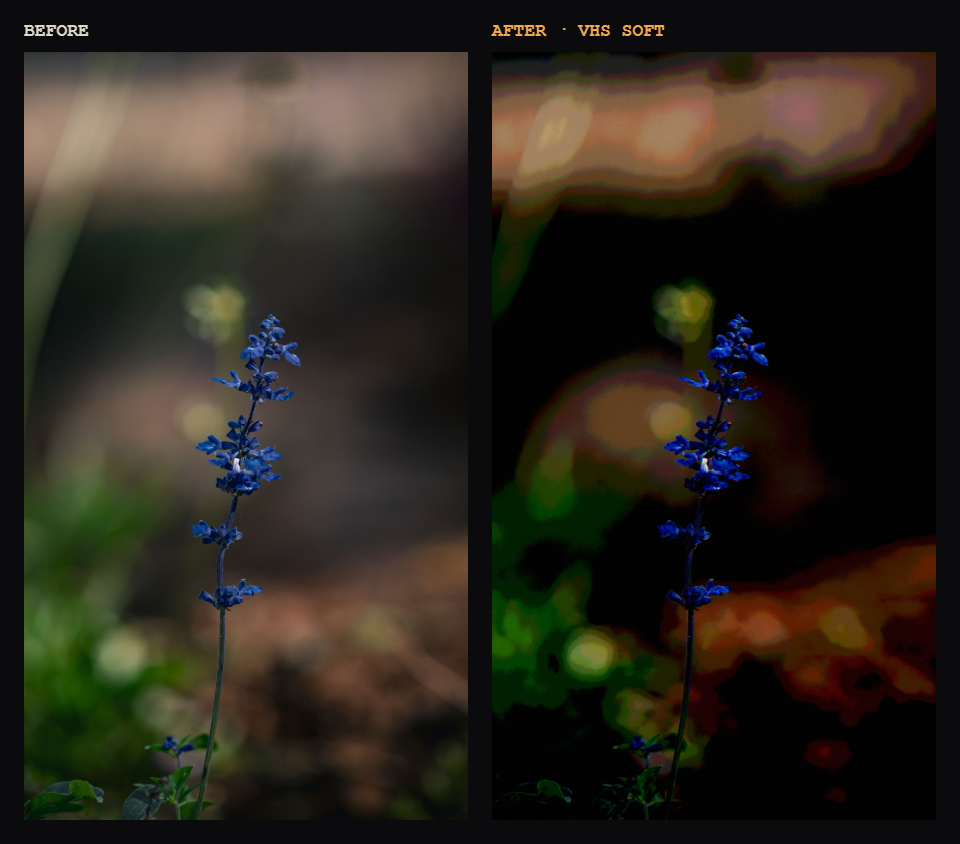
One photo, nine looks: Original, NES, Game Boy, Black Space, Cel / Flat, VHS Soft, Black & White, Pencil, Glitch.
How it works
- Drop an image (PNG or JPG), or a whole folder.
- Pick a treatment, or start from zero and tune the sliders.
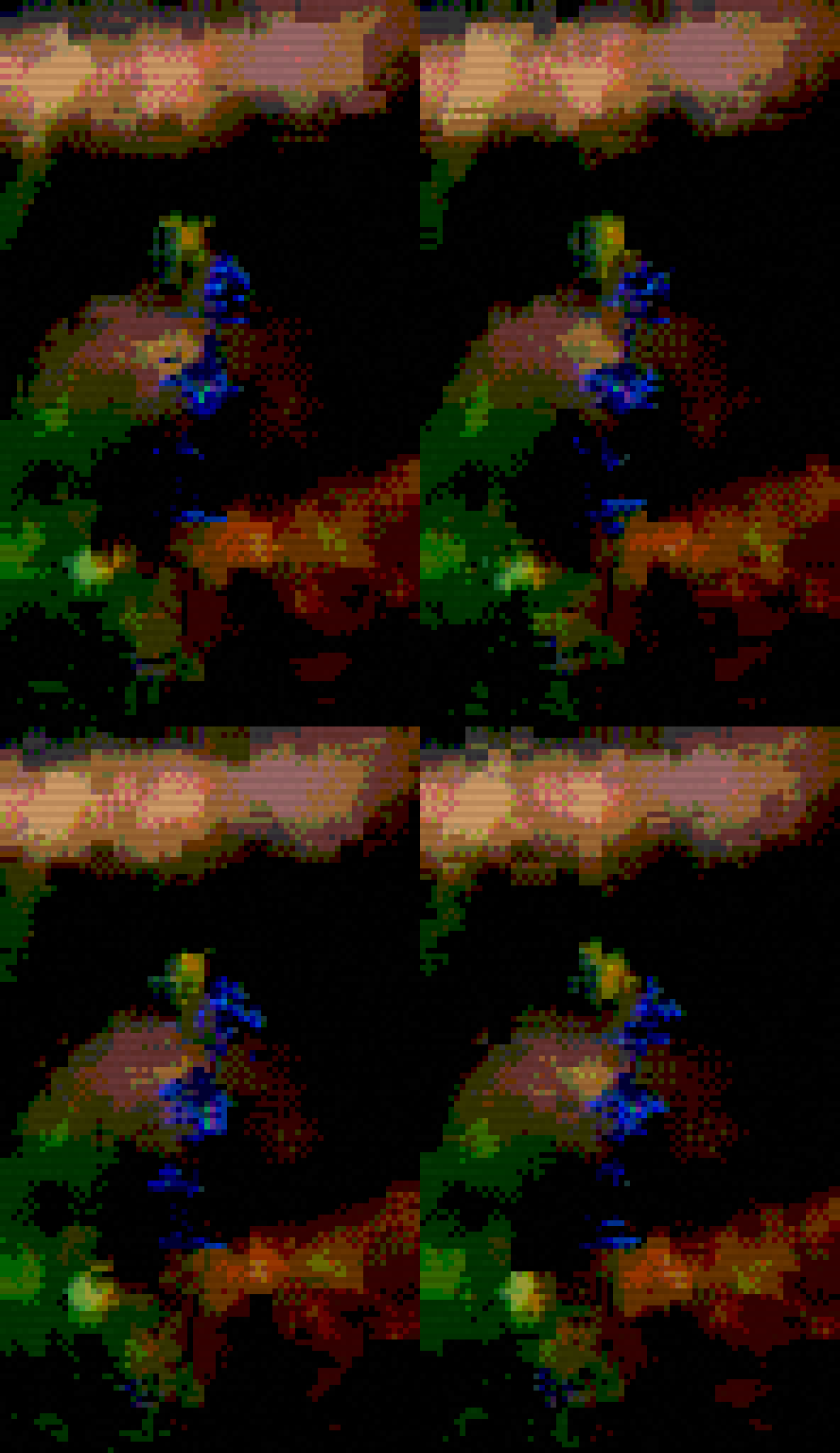
- Export a PNG, or a looping GIF if you turned on the wobble.
What you can do with it
- 5 treatments: Black Space, Cel / Flat, VHS Soft, Black & White, Pencil
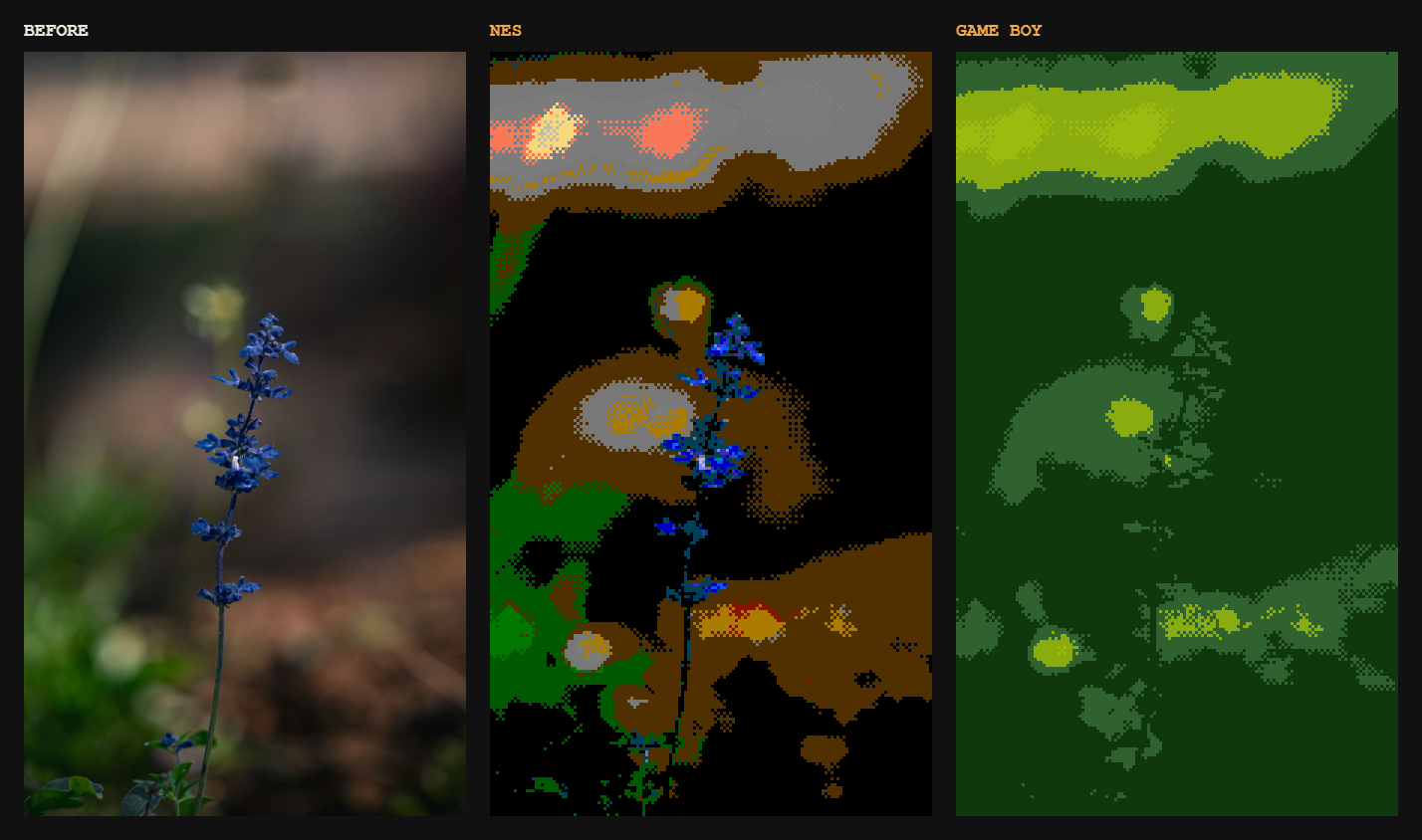
- Retro palettes: Game Boy, NES, PICO-8, or free colors
- Pixel grid from 32 to 512 px, to go from crunchy to detailed
- Dithering with adjustable strength, plus posterize, contrast, saturation and black crush
- Glitch: chromatic aberration, scanlines, grain
- Wobble: exports a 4-frame looping GIF, or the single frames as PNG in a ZIP
- Clean export: native size, x2, x4 or 1080p, always nearest-neighbor, no blur
- Interface in English and Italian
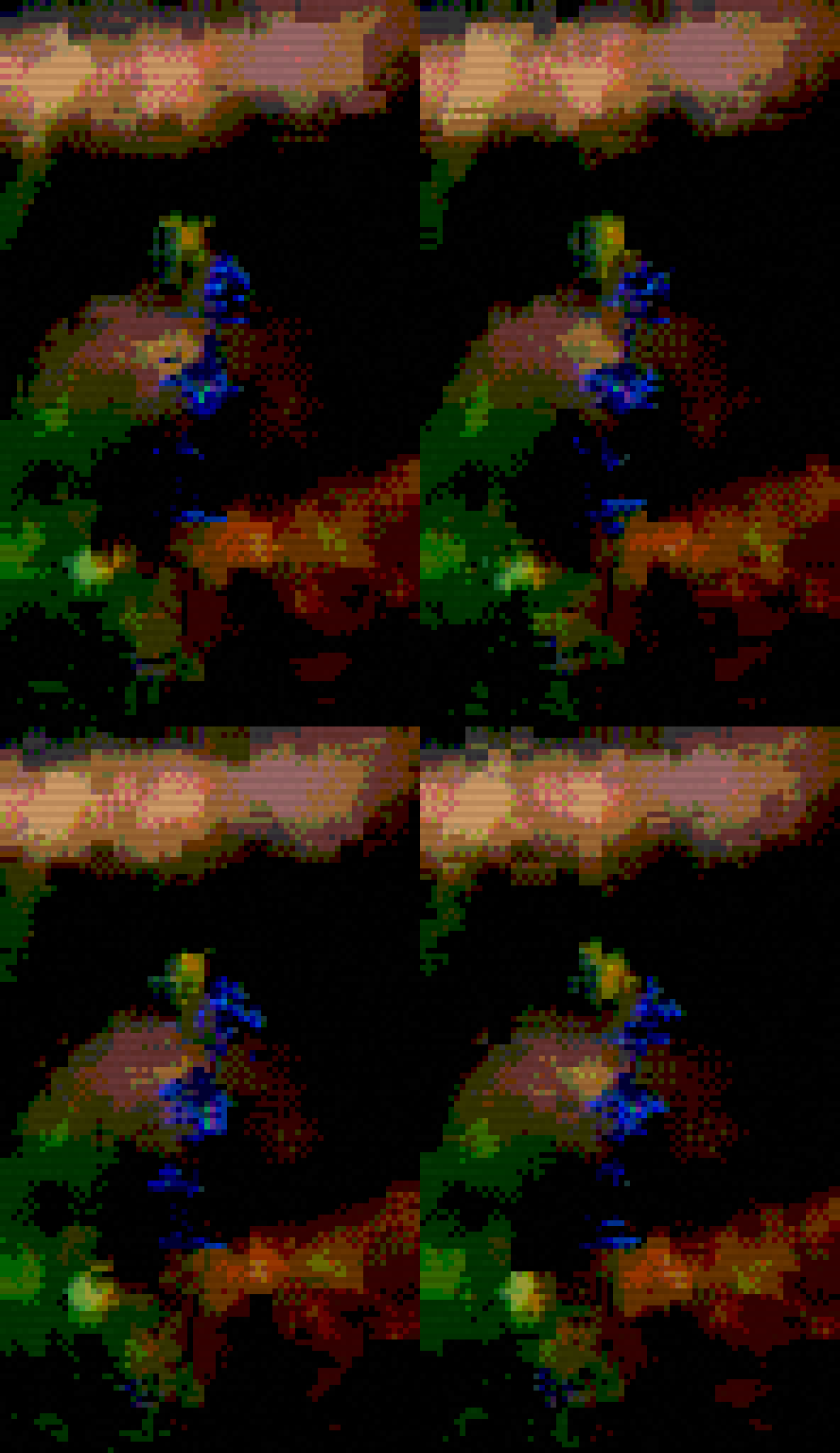
Wobble on, exported straight to GIF.
Good for
- Testing how a palette looks on a reference before you start drawing
- Turning photos into backgrounds or mood boards for a pixel art game
- Retro-looking thumbnails, avatars and posts
Why I made it
I was making pixel art for my own game and kept jumping between three tools just to see how a palette looked on a reference. So I put it all in one page. It's a solo project: if something breaks or a dithering mode looks off, tell me in the comments. Feature requests are welcome too.
Support
AnimaFX is free and will stay free. If it saved you some time, a small donation helps me keep improving it and working on my games.
Also available at animafx.vercel.app
Leave a comment
Log in with itch.io to leave a comment.